
The topic I am writing about today also came up in the productivity workshop I ran at work. Not because it surprised me, but because I brought it up on purpose.
I keep hearing the same sentence from smart, capable people: “I keep trying new apps… and I still feel behind.” I have seen this pattern for years: people switch tools, rebuild their setup, and end the week feeling overloaded. That is why I am turning my workshop notes into a series of blog posts. I want to share the habits that actually make a system work.
I have been obsessed with productivity systems for a long time – not because I love tools, but because I hate the feeling of carrying work in my head after office hours. Over the years I tested many setups, made mistakes, and slowly learned what actually helps.
My goal with this series is simple: share what works (and what does not) with a broader audience, in plain language, so you can spend more time doing your work, and living your life.
Why the tool matters less than the habits you practice
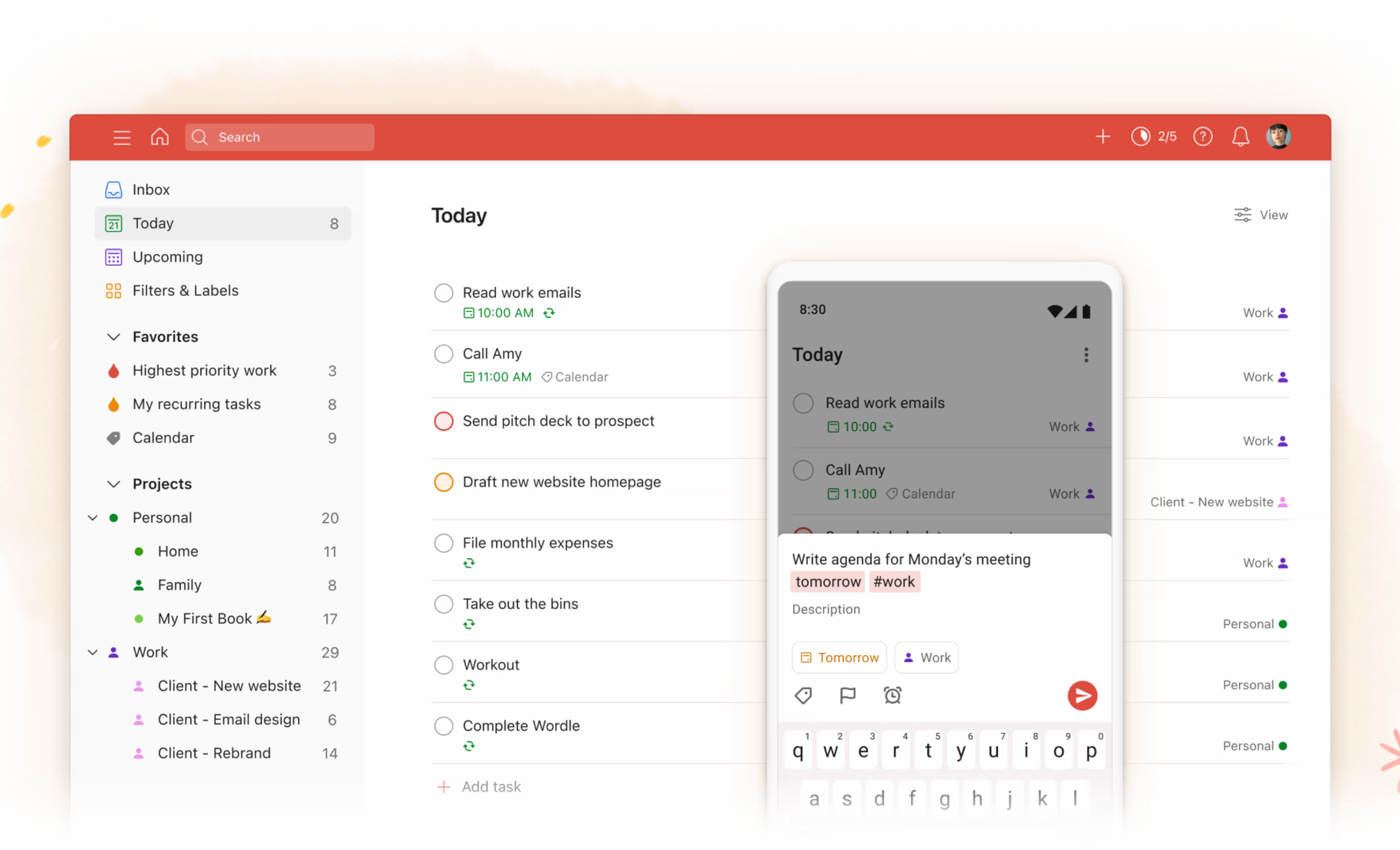
I have used Todoist for years. And it is still my main task manager today. If you are curious, I have written more about my setup and workflows here in my blog. But here is the point most people miss:
Todoist is not the secret. Your habits are.
Almost everything I do in Todoist, you can do in any decent task manager app. Apple Reminders, Microsoft To Do, Google Tasks, or even a paper notebook. I do not personally use one, but the principle is the same.
Tools help you capture, organize, and review. But they cannot create discipline for you. If you do not have a habit of checking your system every day, the “best” app in the world will turn into a graveyard of half-finished tasks.
The opposite is true. If you build the right habits, a simple tool is enough.
Tools cannot save a broken habit
Here is the scenario I have seen more times than I can count. You watch a polished Instagram reel or a YouTube video that makes a new productivity app look like the missing piece. Five minutes later you download it, spend three hours setting it up, and you build a beautiful system with tags, projects, priorities, filters, and automations. For a moment it feels like you finally “fixed” your productivity.
Then life happens. You get busy, you miss a few days, and suddenly your task list no longer reflects reality. When you come back, it feels stale. You are not sure what is still relevant. You forgot your own rules. You start ignoring reminders because you do not trust the list.
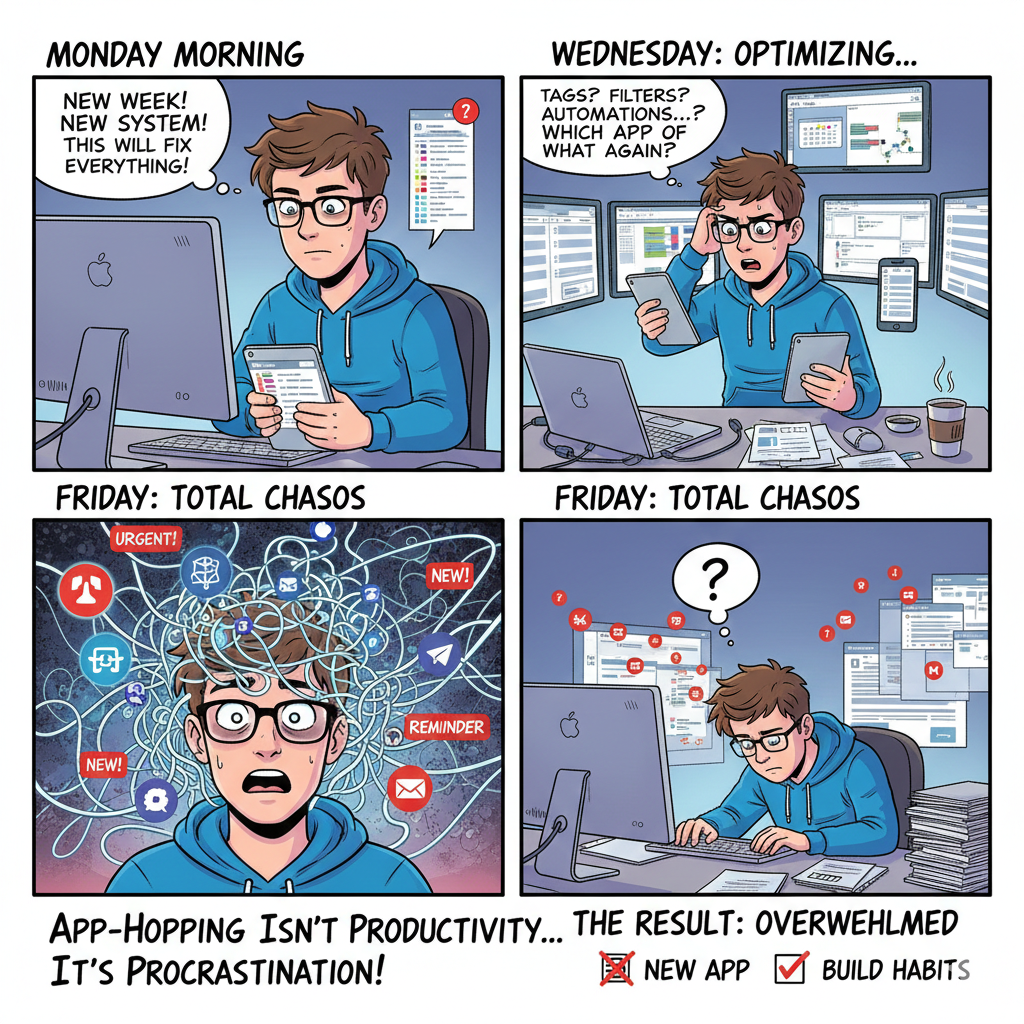
At that point, the app did not fail you. Your habits failed.
And this is the painful part: using a tool only occasionally often costs you more time than it saves. You waste time deciding what to do because your list is outdated. You waste time re-learning your own system. You waste time switching between tools because nothing feels trustworthy.
That is why I strongly believe in this: keep it simple and stick with a tool you are familiar with.
For me, that is Todoist. I have been using it since 2011, and at this point I know the app inside out – keyboard shortcuts, menus, and the little details that most people never discover. That matters, because I do not waste time learning the tool. I just use it.
And I use it the way a task manager should be used: to organize my tasks, and to check it daily.
Just as important: I trust my todo list. When I look at it, I know it reflects real commitments – things I have already decided to do, not random ideas I will never come back to. That trust is what makes the system useful.
It does not matter much if your task list is on Reminders, Todoist, or something else on iOS, Android, Mac, or Windows. What matters is that you practice the habits regularly, so your system stays current and you can rely on it.
The trap of productivity app-hopping
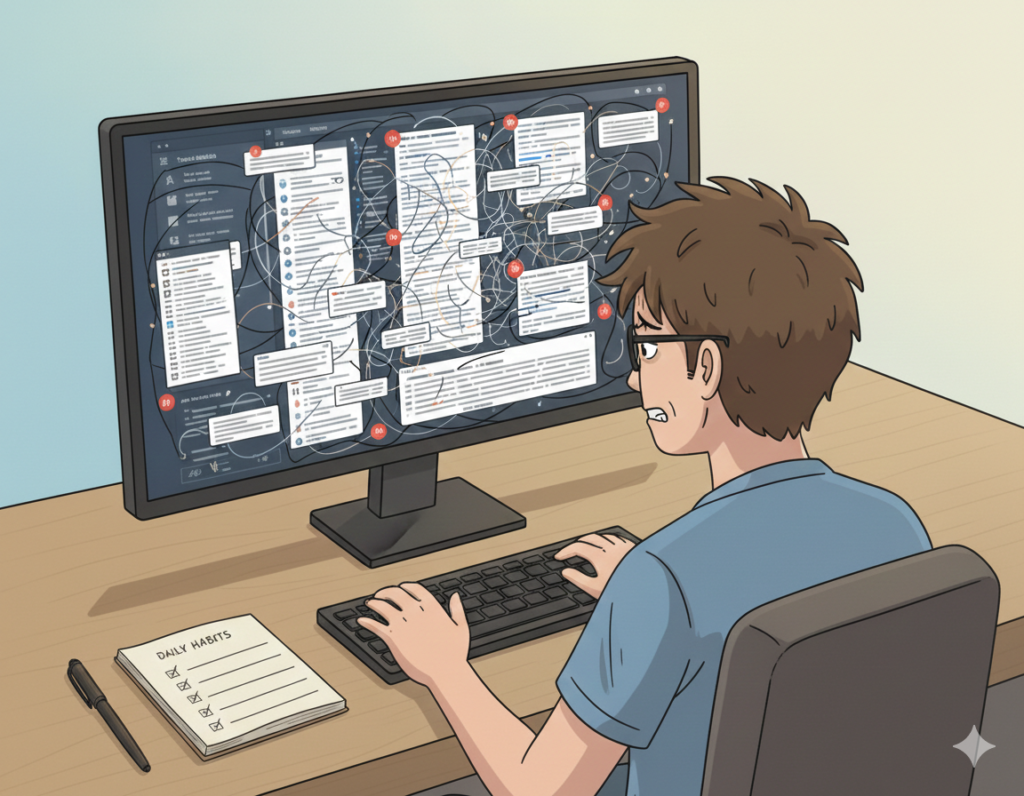
App-hopping feels productive because it looks like progress. You are not doing “nothing” – you are tweaking, optimizing, reorganizing. You are improving your system.
And I am not writing this from a moral high ground. I made this mistake way too often by myself.
I would see a shiny new app in the App Store, or stumble across it in a social media post, and it would look better than what I was using at the time. For a week, it feels like a fresh start.
Then, almost every time, I would come back to Todoist. Not because it’s “perfect,” but because I know it. I trust it. And it gives me everything I actually need to capture, organize, and execute my work.
Let’s be clear about it: Most of the time, app-hopping is just procrastination in a nicer outfit.
Every time you switch tools, you pay for it in ways that do not show up on your calendar. You spend time migrating tasks, projects, labels, and reminders. You spend time learning how the new app works in real life. You rebuild a workflow that looked great in a YouTube video, only to realize it does not match your day-to-day reality.
And the longer you repeat this cycle, the more you lose the one thing a productivity system depends on: trust. If you are not sure what is in your system, you stop relying on it. The biggest cost is the one nobody tracks: you stop doing the basic habits because you are busy rebuilding the tool.
Most people do not need a new app. They need a system they can trust – and the daily and weekly habits that keep it trustworthy.
So when you feel the urge to switch apps again, pause and ask: “What exactly is not working right now – and is it a tool problem, or a habit problem?”
This simple question may save you a lot of time.
Building a simple system you can stick to
A good productivity system is not complicated. It is consistent. And yes, you can optimize it over weeks, months, and years. I do it too. Even after years of using the same app. But if you keep rebuilding the foundation, you never get the benefits of consistency.
So instead of searching for a perfect setup, start with a stable one. Here is a simple approach you can use today.
1) Pick one place to capture tasks
First, decide where tasks go. Not two places. Not five. One. If you think “I should remember this,” it goes into your task list. In my last blog post, I wrote a lot about the different inboxes we have in our life. Also, here one rule is very important: keep it simple.
2) Keep your structure simple
This is where most people overcomplicate things. They create dozens of projects, add layers of labels, and then wonder why the system feels heavy. It is like the folders in your email. When was the last time you found the right email in the right folder?
Start smaller than you think you need. A handful of projects is usually enough – for example Work, Personal, Family, and Admin, plus the dedicated project for the one big thing you are currently working on.
From there, keep it practical. A lot of people like having a dedicated “Next actions” list, and if you delegate a lot, a “Waiting for” list can be incredibly useful too. It is a small change that removes a surprising amount of mental clutter.
Personally, I never liked working from separate “Next actions” lists. In Todoist, I mainly live in my Today overview and my Up Next overview. For me, this works better because it forces clarity: I see what I am actually doing today, and what is coming next.
For that approach to work, you need to be disciplined to give tasks a deadline or at least a clear to-do date. Otherwise your Today and Up Next views turn into a messy backlog.
If your app supports tags (or labels), you can use them. But do not force it on day one. Build the core habit first. If you need tags later, you can always add them later.
3) Define one daily habit
A system only works if you touch it daily. It is like learning a language. If you only review the words once a week, you probably will fail.
A simple daily habit is to decide what matters most for the next day. You can do this in the morning, or you can do it in the evening before.
Personally, I do it in the evening. I take a quick look at my list and choose the three things I want to get (or must get) done tomorrow. In Todoist, I use priorities for this, so those tasks are easy to spot when I start the day.
The goal is not perfection. The goal is to keep your list alive.
4) Define one weekly habit
Daily keeps you moving. Weekly keeps you aligned. Once per week, do a quick review. Clear completed tasks, delete things you will never do, reschedule tasks that still matter, look at upcoming deadlines, and decide what matters most next week.
This is where most people level up. Not with a new app, but with a weekly review.
Later in this series, I will publish a dedicated post about my weekly review – the exact steps I follow and how I keep it simple enough to do every week.
5) Optimize slowly, not emotionally
When something annoys you, do not immediately switch tools. Think about what annoyed you, then ask yourself if you can solve it with a small rule, by simplifying, or by using the tool as it was intended.
Most improvements should be small and boring. That is what makes them sustainable.
And keep in mind: this kind of optimization rarely happens in a week or two. Sometimes it takes months or even years until a habit really fits your life. You might try something today that turns out to be not that useful – the important part is to notice it, and then improve it slowly over time.
The key takeaway: habits beat tools
Productivity tools can be great. I like them, I use them, and they absolutely make life easier. But tools are not the solution by themselves.
What really changes things is a small set of habits you practice consistently. Capture tasks in one place so they do not live in your head. Review your list daily so it stays current. Do a weekly review so you stay aligned with what matters. Keep the whole system simple, and improve it step by step instead of constantly restarting from zero.
If you take one thing away from this post, let it be this: your productivity app will not save you – but your habits will.
This is one post in a series, and more are coming. If you want to dive deeper, check out my other posts about productivity.